

C64 Paint
Paint on a canvas with the 16 colors of the classic 8-bit computer of the 1980s, the Commodore 64. For iPad, iPhone, and iPod touch.
Paint on a canvas with the 16 colors of the classic 8-bit computer of the 1980s, the Commodore 64. For iPad, iPhone, and iPod touch.

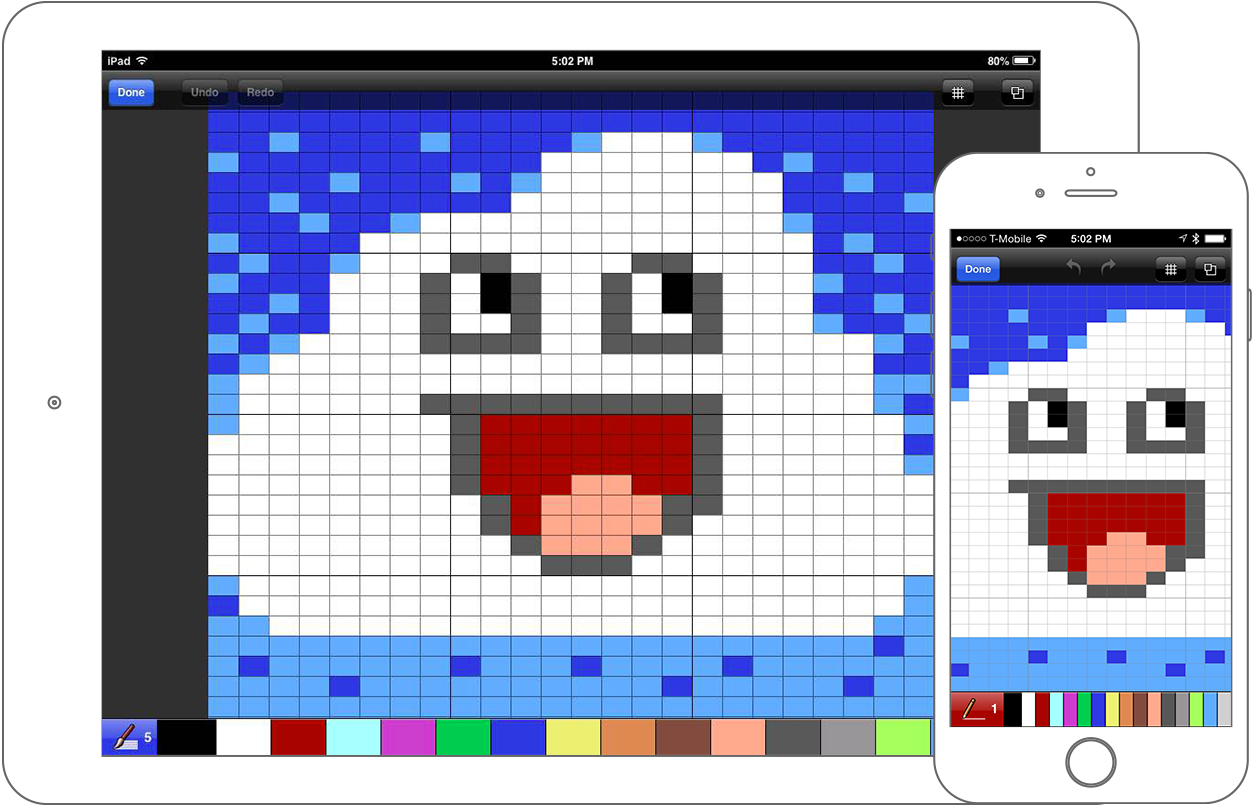
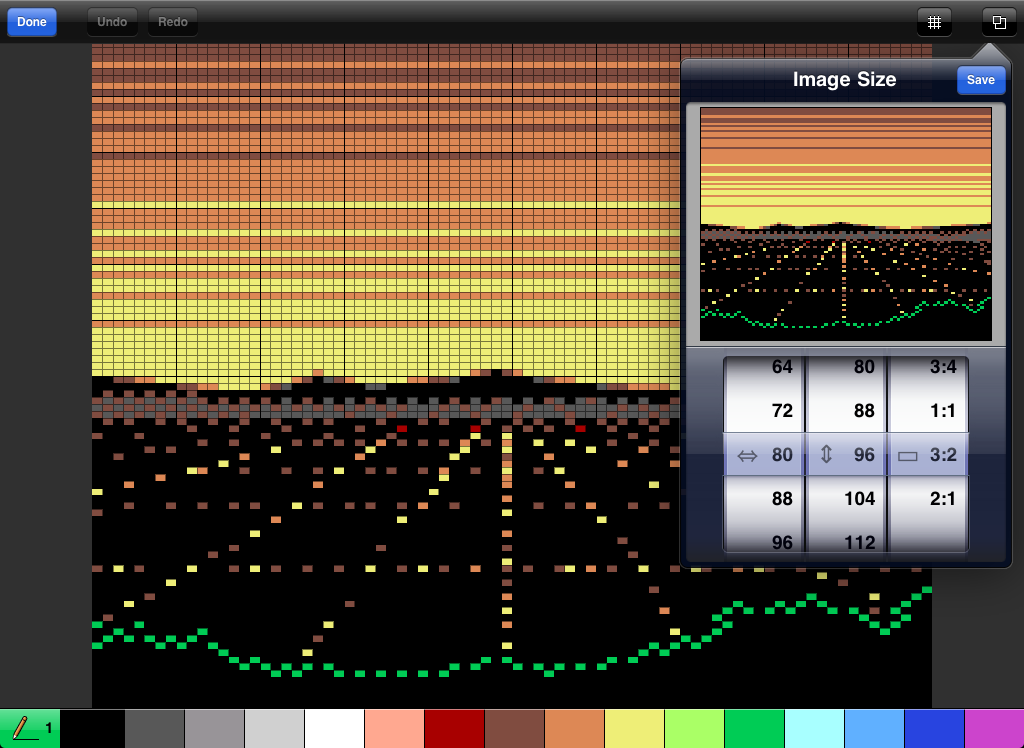
Customizable brush and canvas sizes. Pan and zoom up to 3200% to place each pixel with precision. Choose square or non-square pixels. Cycle through five brush sizes, and use any of 16 colors from the color palette.

Import pictures from your Camera or Photos app. Make cute little critters! Draw fun blocky monsters! Paint a sweeping landscape! Place every pixel on a grid or cover a large swath with your finger.
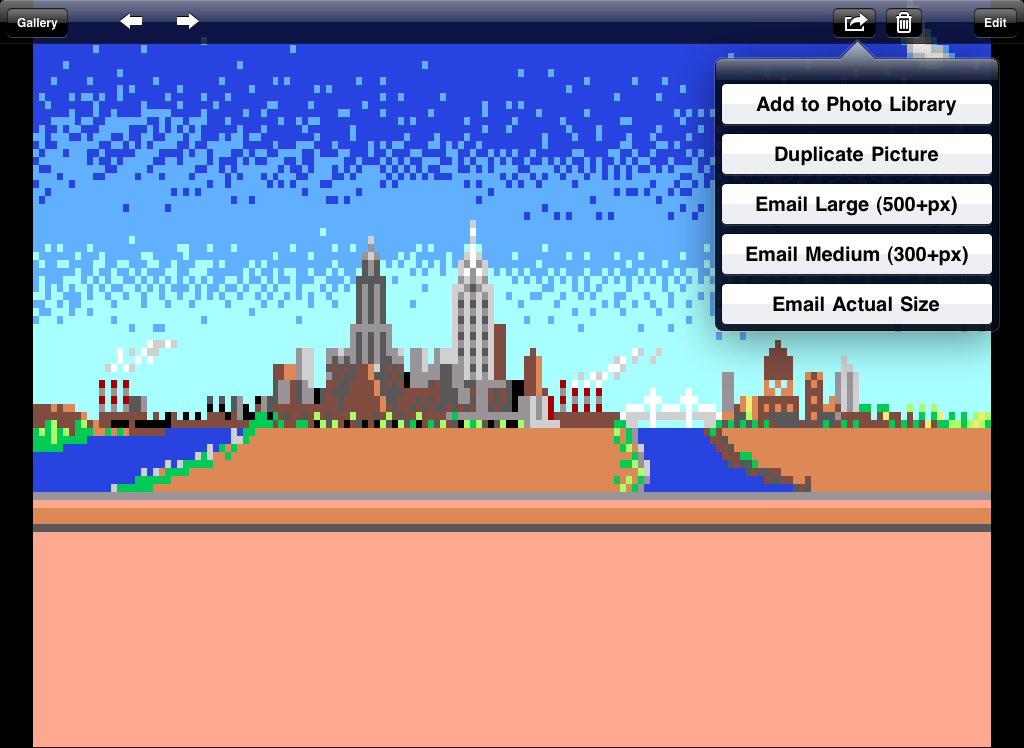
Share your creations. Create as many pictures as can fit in memory, and email them or add them to the Photos app.
I love making 8-bit video game characters with it!
— Brett_Brown
This takes me back to the old Atari 2600 and Nintendo days. It's so easy that I even made my own little Mario with a mushroom.
— joshWUa

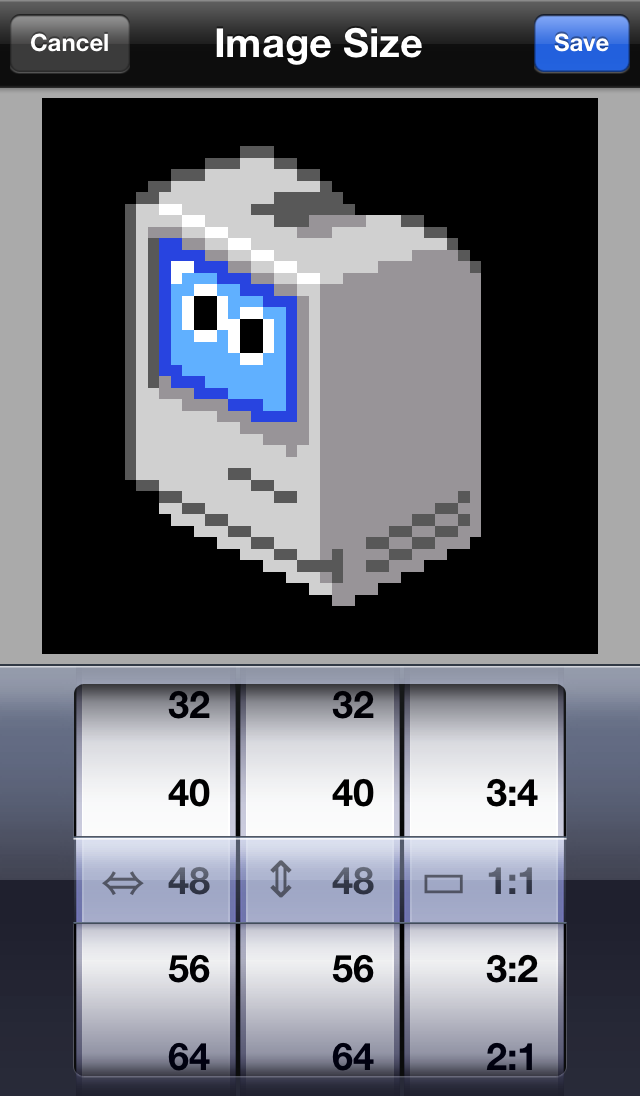


Painting: Use one finger to paint with the selected color.
Pan/Zoom: Use two fingers to pan and zoom.
Selection: Hold down one finger in one spot for a second, and a selection marquee will pop up. The blue handles let you resize it. Dragging within the marquee will move it and the pixels inside. Tap outside of the marquee to deselect.
Get in touch with us.